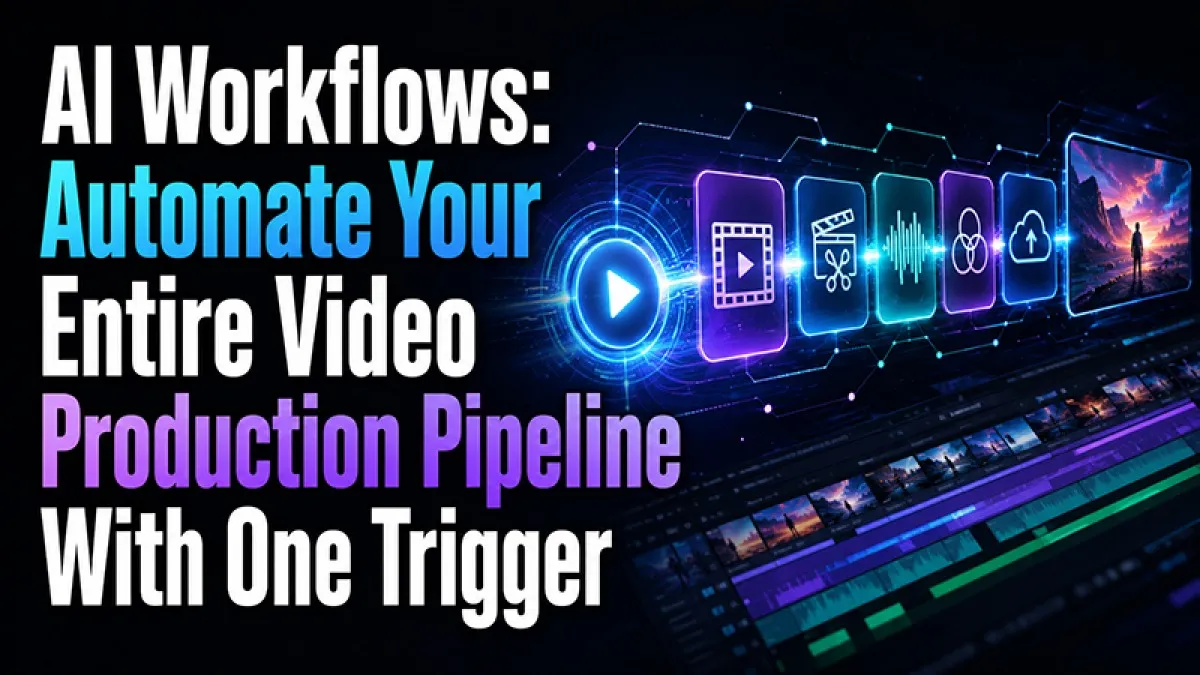
Every video production involves the same repeating sequence of steps — write the script, generate the storyboard, produce the video, add voiceover, layer background music, and export. Executing each step manually across individual tools takes time, introduces file management overhead, and creates friction that slows creative output. SuperMaker AI Video Maker eliminates this friction entirely with AI Workflows: a pipeline automation system that connects Script → Video → Voiceover → Music into a fully automated, multi-step production sequence that executes with a single trigger.
Whether you are a content creator producing videos at weekly volume, a marketing team managing multi-format campaign asset generation, a social media manager maintaining consistent output across multiple platforms, or a production agency handling high-volume client deliverables, SuperMaker's AI Workflows transforms individual tool usage into a repeatable, automated production system that runs without manual intervention at any stage.
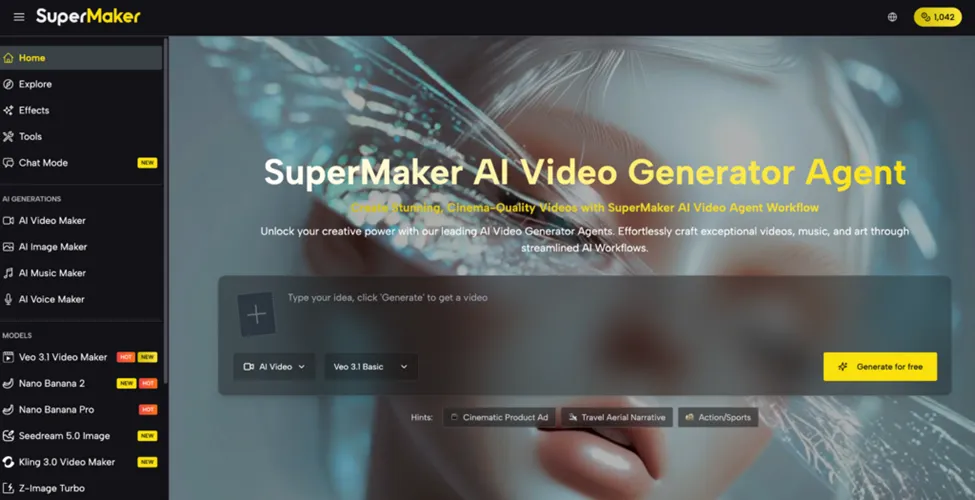
What Are AI Workflows?
Most AI tools operate as isolated steps — each generation runs separately, outputs move manually between stages, and every new project rebuilds the same sequence from scratch. AI Workflows replaces this manual process with a configured pipeline: define the production sequence once, connect the tools in order, set the inputs and parameters for each stage, and trigger the entire sequence to execute automatically.
The result is a production system rather than a collection of tools. A complete video — script, video generation, voiceover narration, and background music — that previously required four separate manual steps across the same platform now runs as a single automated sequence, with each stage passing its output directly to the next without manual file management or step-by-step execution.
How SuperMaker AI Workflows Work
1. Configure the pipeline — Build a multi-step production sequence by connecting SuperMaker's tools in the order required for the project: Script Generator → Storyboard Generator → Video Generation → AI Voice Maker → AI Music Maker, or any subset of these steps that fits the production requirement.
2. Set inputs and parameters — Define the starting brief — topic, style, format, target platform, video length, voice tone, music genre — as the pipeline input. Set model selections, aspect ratios, voice styles, and music descriptions as parameters for each stage.
3. Trigger with one click — Run the configured workflow with a single trigger. Each stage executes automatically in sequence, with outputs passing between stages without manual intervention.
4. Repeat for new inputs — Use the same pipeline configuration across multiple inputs simultaneously — different topics, different products, different campaign briefs — for batch production at scale.
5. Export finished deliverables — Every pipeline output is ready for export at the resolution and aspect ratio configured — watermark-free, commercial-rights-cleared, and formatted for the target platform.
The Core Production Pipeline: Script → Video → Voiceover → Music
SuperMaker's AI Video Maker Workflows connects four production stages into one automated sequence:
Stage 1 — AI Script Generator
Converts a project concept or topic briefly into a structured narrative script with scene descriptions, dialogue, and pacing notes. The script output feeds directly into the storyboard and video generation stages without manual reformatting — the AI produces content structured for downstream video production rather than general text output.
Stage 2 — AI Storyboard Generator
Transforms the script into visual scene panels — a storyboard that confirms the shot composition, visual direction, and narrative flow before video generation begins. Reviewing the storyboard before committing generation credits to full video output catches misalignments between the written brief and the intended visual result, saving time and credits on regeneration.
Stage 3 — Multi-Model Video Generation
Generates the video based on the script and storyboard direction, using the model selected for the project format:
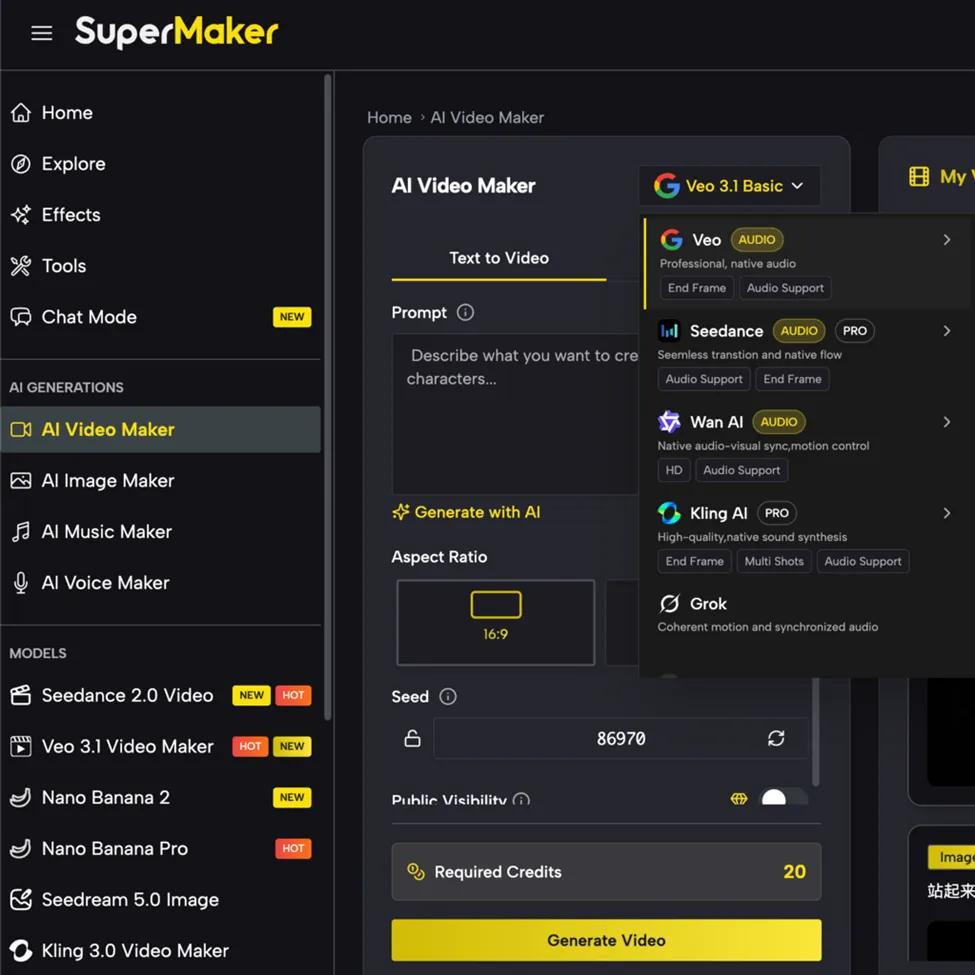
● Veo 3.1 for cinematic realism and photorealistic scene rendering
● Seedance 2 for fluid motion and high-fidelity short-form social content
● Kling 3.0 for stylized commercial formats with precise compositional control
● Wan 2.6 for dynamic action sequences and detailed environmental generation
Stage 4 — AI Voice Maker
Converts the script narration into professional voiceover audio matched to the video length, with voice style, language, and tone set at the pipeline configuration stage. The voiceover output passes directly to the Lip Sync Video Generator if spokesperson content is required, or overlays as narration audio on the finished video.
Stage 5 — AI Music Maker
Generates an original royalty-free background track matched to the video's mood, genre, duration, and style. The track pairs directly with the video and voiceover outputs in the same session, completing the audio layer without file conversion or external audio tools.
Core Capabilities of SuperMaker AI
AI Workflows is part of SuperMaker's comprehensive AI video production platform — connecting every production tool into automated pipelines from a single integrated workspace.
Video & Image Generation
● Multi-Model Video Generation — Four leading video models: Veo 3.1, Seedance 2, Kling 3.0, and Wan 2.6 — covering every format from cinematic brand films to short-form social content. Text-to-video and image-to-video with watermark-free 4K export.
● AI Image Maker — 9+ image generation models including Gemini 3 Pro, GPT-4o Image, Flux Kontext, and Seedream — producing reference visuals and campaign image assets that feed into video generation stages within workflows.
● AI Canvas Workflow Studio — Infinite node-based canvas for visual pipeline building — connecting image and video nodes into Text → Image → Video sequences with batch generation and full version history.
Audio & Voice Tools
● AI Music Maker — Generates original royalty-free background tracks from a text description in any genre and style — executing automatically as the final audio stage of any workflow pipeline.
● AI Voice Maker — Converts scripts into professional multi-language narration audio — running automatically from the Script Generator output in the pipeline without manual copy-paste between tools.
● Lip Sync Video Generator — Synchronizes AI Voice Maker narration to spokesperson video mouth movement with frame accuracy — connecting as an optional pipeline stage between voice generation and final export.
The defining advantage of AI Workflows on SuperMaker is that it converts the platform's individual tool capabilities into a production system. Rather than using Script Generator, then Video Generation, then AI Voice Maker, then AI Music Maker as separate manual steps, the workflow configuration runs them as a single automated sequence — with each stage passing its output to the next, every parameter set once at configuration, and the entire pipeline repeatable for every new project without rebuilding from scratch.
Pricing — AI Workflows Access Across All Plans
AI Workflows is available across all SuperMaker plans, including the free tier. No credit card required to start.
|
Plan |
Monthly Price |
Annual Price |
Credits & Key Features |
|
Free |
$0 |
$0 |
30 credits/week; up to 1 video, 5 images, 5 music generations, 2 voice tracks; Workflows access, watermark-free exports |
|
Starter |
$9.9/mo |
$8.3/mo ($100/year) |
2,400 credits/year; 240 videos, 1,200 images, 1,200 music generations, 480 voice tracks; Veo 3.1, Seedance 2 |
|
Pro |
$29.9/mo |
$24.0/mo ($288/year) |
9,600 credits/year; 960 videos, 4,800 images, 4,800 music generations, 1,920 voice tracks; full premium model access |
|
Max |
$49.9/mo |
$30.0/mo ($360/year) |
21,600 credits/year; 2,160 videos, 10,800 images, 10,800 music generations, 4,320 voice tracks; maximum volume |
All plans include HD watermark-free downloads, Private Generation, Faster Generation Speed, and commercial licensing on all outputs. Unused credits roll over. Cancel anytime.
Conclusion
The difference between a capable AI tool and a scalable AI production system is automation. SuperMaker's AI Workflows feature transforms the platform's individual video, voice, image, and music generation tools into a configured, repeatable production pipeline — executing Script → Storyboard → Video → Voiceover → Music as a single automated sequence triggered once, reusable for every new project, and scalable to batch production volume without rebuilding the workflow from scratch.
For content creators, marketing teams, and production operations who need consistent, professional video output at volume without manual execution of every production step, AI Workflows is built exactly for that requirement. Start building your first workflow free at Supermaker AI Video Maker — no credit card required.
Haber Merkezi